

PNG to DXF Converter: Logos, Screenshots and Graphics to DXF
Drop in a logo, an icon, a screenshot of a plan or a graphic with a transparent background, and this PNG to DXF converter redraws it as clean lines. You download a DXF with closed paths at the exact size you need. WebP works the same way.
1. Upload an image
2. Choose a drawing type
DXF, SVG and PDF downloads are free
3. Preview and export
Each PNG to DXF conversion uses credits, shown on the button before you start, and new accounts get free credits to try it. DXF, SVG and PDF downloads of the result are always free.
- PNG, WebP, JPG and more
- Transparent PNG backgrounds handled
- Closed paths for cutting
- Exact size in mm, cm or inches
Graphics, not just photos
Before and After: Logo, Product Render and Pet Portrait
Three PNGs people bring to a laser, a vinyl cutter or a CAD program, shown before and after PNG to DXF. Drag the divider to compare.
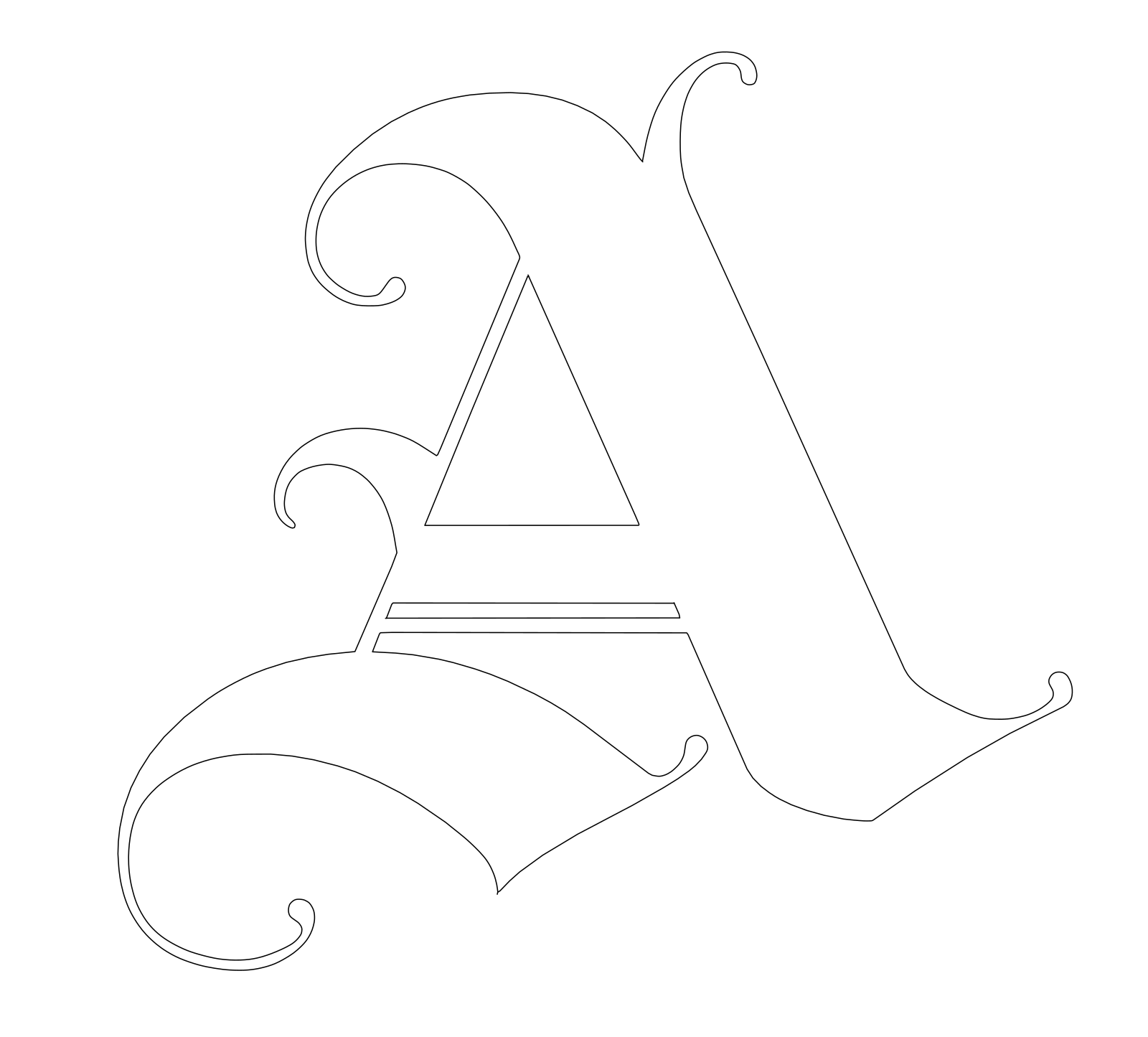
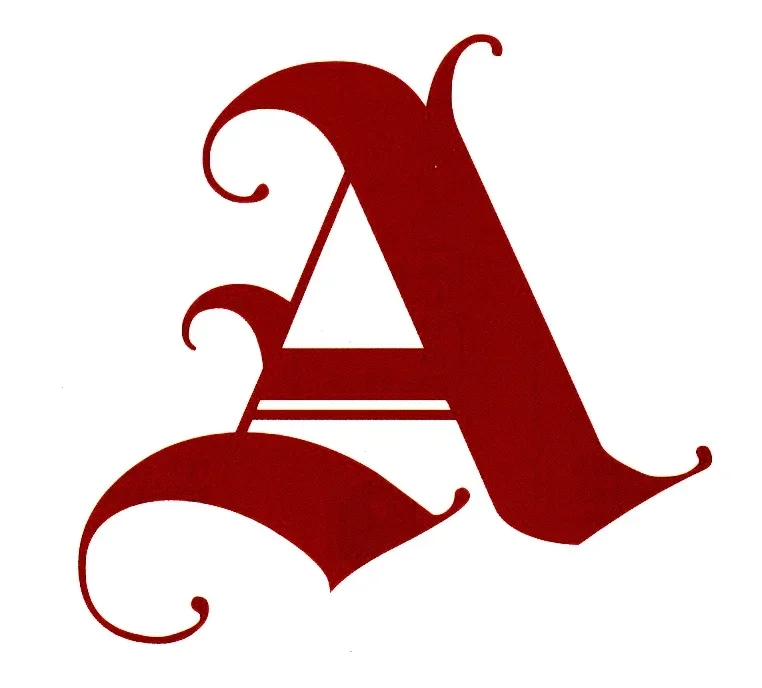
Ornamental letter for a shop sign
Drawing type: Line drawing
A flat, two-color graphic is the easiest PNG to DXF case: every swash and serif becomes one smooth closed outline, ready to cut from wood or acrylic.
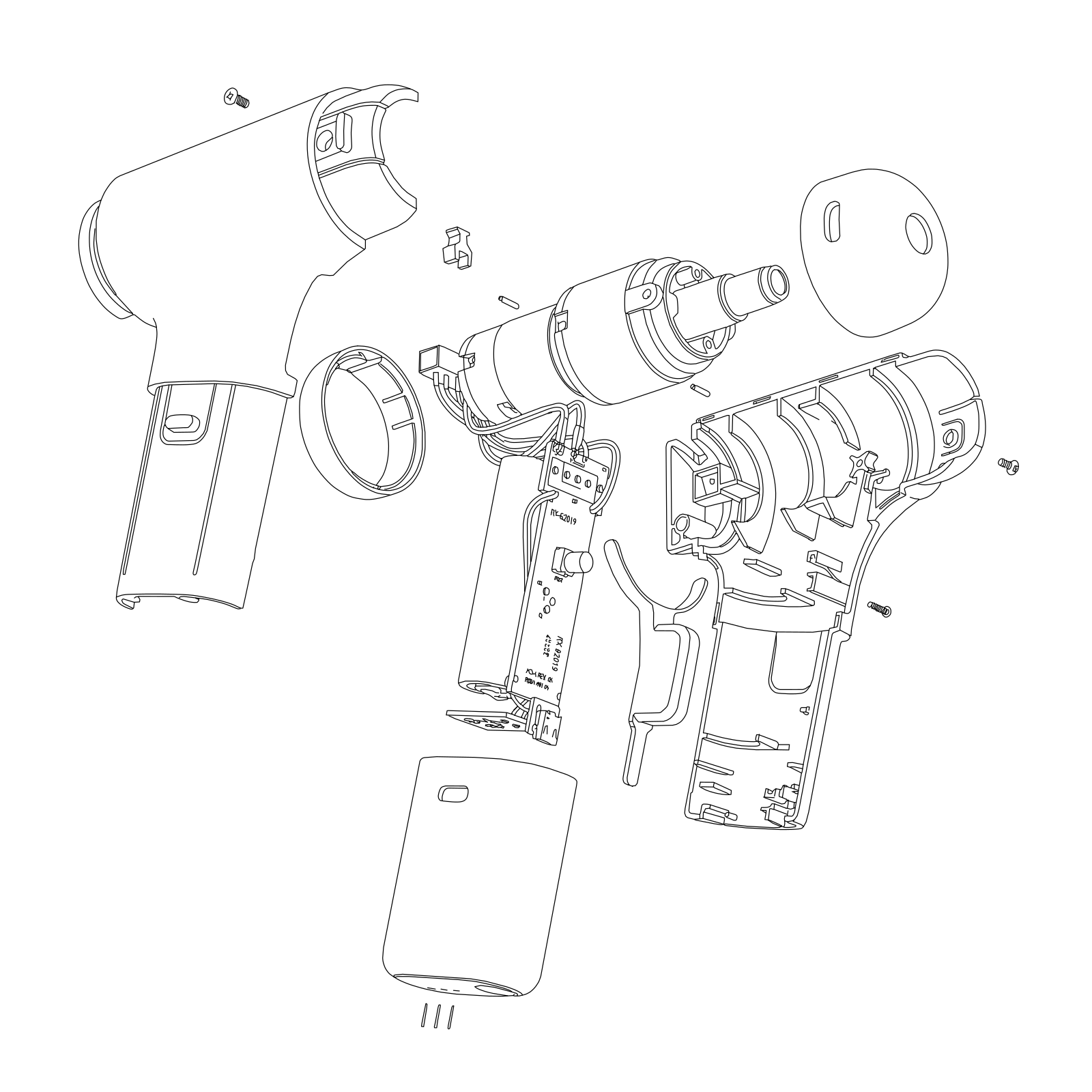
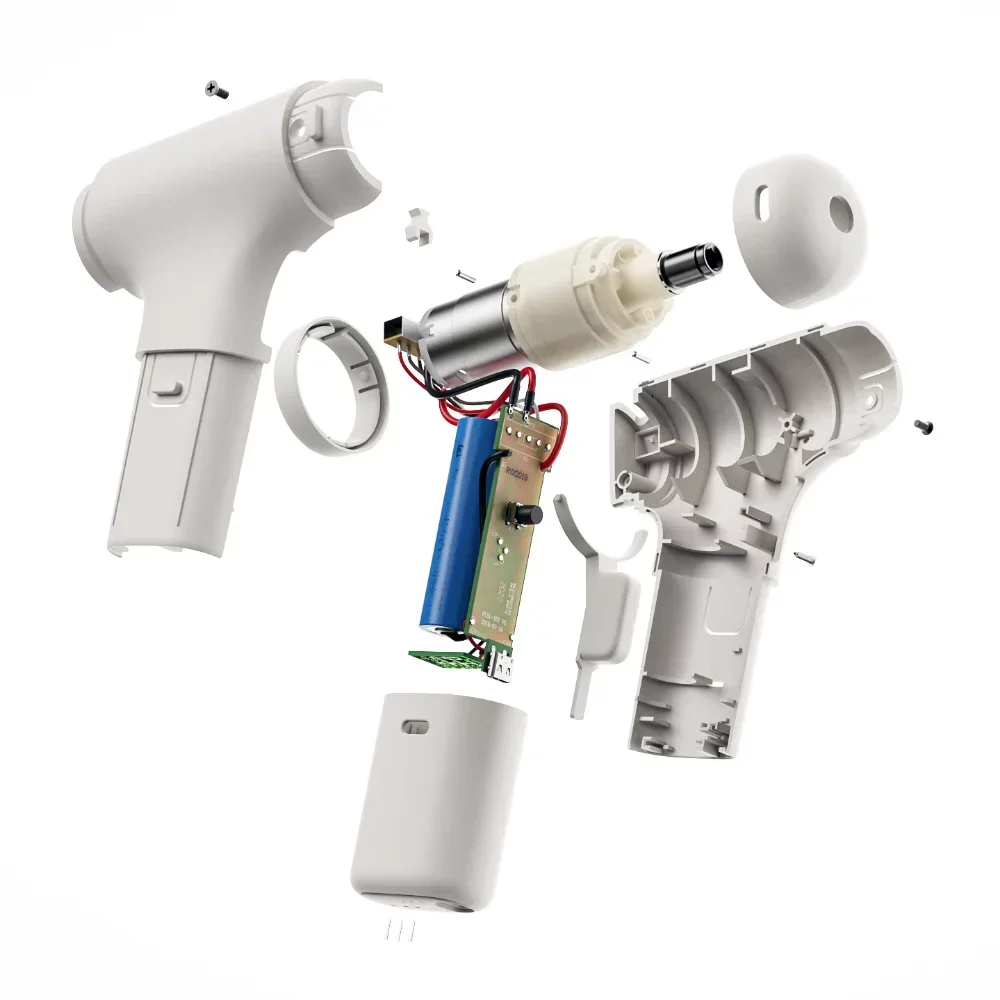
Product render PNG on a white background
Drawing type: Line drawing
Catalog renders keep their part lines while shading, color and reflections are left out. A quick PNG to CAD route for manuals and assembly sheets.
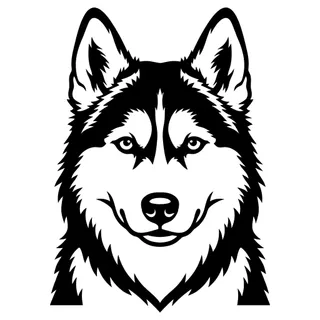
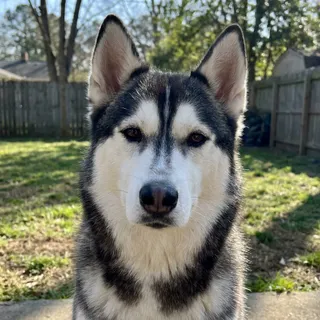
Pet portrait PNG for an engraving
Drawing type: Line drawing
Fur, eyes and markings are simplified into bold shapes that engrave well on wood, slate or a tumbler.
Sample images for illustration. Your results depend on the file you upload.
How it works
How to Convert PNG to DXF in 3 Steps
To convert PNG to DXF here you set no color thresholds, run no despeckle filter and do no node cleanup. The AI cleans up the graphic; you pick the line style and the size.
Step 1
Upload the PNG
PNG, WebP and JPG upload as they are; GIF, BMP and AVIF are converted in your browser first. Use the largest copy you have: the AI works from up to 2048 px on the long edge.
Step 2
Choose how it is drawn
Line drawing suits logos, icons and illustrations. Pick Floor plan for a screenshot of a plan and Mechanical part for a part drawing or render. High quality keeps more detail in small lettering.
Step 3
Set the size, download the DXF
Type the finished length of the longest edge, for example 600 mm for a shop sign. Pick Outlines for closed cutting paths or Single lines for CAD editing, and download. Resizing and downloading again is free.
What to check before you convert PNG to DXF
Transparent background
Transparent areas turn white before upload, so the artwork has to be darker than white. Recolor a white logo dark, or export it on a black fill, first.
Screenshots
Zoom in until lines are clearly thicker than one pixel, then crop away toolbars, menus and the cursor. A screenshot of a PDF plan works far better than a photo of a monitor.
Thin line art
Hairline drawings with soft grey edges are fine: the AI redraws them as solid strokes, and Single lines keeps one path per line in the DXF.
Tiny icons
Images under 64 px on the long edge are rejected, and a small favicon has very little to work with. Look for a larger PNG of the same graphic.
Camera photos
A photo of a part or a sketch is a different job: shadows, texture and perspective.
The image to DXF converter page explains how to shoot them.
Already have an SVG?
A vector file doesn't need an AI redraw at all.
Use the free SVG to DXF converter instead; it keeps the paths as drawn.
Logos and signs
Logo PNG to DXF for Signs, Engraving and Vinyl
Logos are the most common PNG to DXF job: a laser-cut sign, an engraved plaque, a vinyl decal or a CNC-routed letter. Four things decide whether the file cuts cleanly.
Closed paths
Cutters only cut shapes that close. Choose Outlines and every letter and icon becomes a closed polyline, with the holes in letters such as A, O and R kept as separate inner shapes.
Finished size
Set the long edge to the size of the finished sign. The DXF stores mm, cm or inches, so it opens at that size in LightBurn, Inkscape or your CAM software.
Fewer nodes
Move the Line smoothing slider toward cleaner lines for logos. Curves become long, even polylines with fewer points, which cut faster and smoother than a jagged trace.
WebP from the web
Logos saved from a website are often WebP. Upload them as they are.
Only convert logos you own or have permission to use.
AI redraw vs. bitmap tracing
Why a Traced PNG Gets Double Lines, and What AI Does Instead
Look for a PNG to DXF converter free of charge and you mostly find bitmap tracers. They handle crisp black-and-white art and fall apart on the anti-aliased, shaded and compressed graphics most people actually have.
If your PNG is already clean black line art, a plain tracer can do the job. The AI redraw earns its credits on renders, shaded logos, screenshots and photos.
Compatibility
PNG to CAD: A DXF That Opens in Any CAD Program
DXF is the exchange format of CAD, so a PNG to CAD conversion almost always means PNG to DXF. The file you download is ASCII DXF in the AutoCAD R12 format: polylines on one layer named LINEWORK, with the unit stored in the header.
Drafting
AutoCAD, BricsCAD, LibreCAD
The most direct PNG to CAD route: open or insert the DXF and it arrives at the size you set, ready to dimension, offset or hatch.
Need a native AutoCAD file? Use PNG to DWG.
3D modeling
Fusion, SOLIDWORKS, Onshape
Import the DXF into a sketch and extrude a nameplate, a pocket or an emblem on a part yourself. For PNG to CAD modeling, the closed outlines work as sketch profiles; the file itself stays 2D.
Cutting
LightBurn, Inkscape, VCarve
Laser, vinyl and CNC software read the closed polylines as cut paths, with no extra node editing for most logos.
Check the result first in the free DXF viewer.
Converting a photo, sketch or plan? See every format on our image to CAD converter.
PNG to DXF Converter FAQ
What people ask before they convert PNG to DXF: cost, transparent backgrounds, WebP, logos and screenshots.
Turn Your Logo or Screenshot into a DXF
Upload a logo, screenshot or graphic, and the PNG to DXF converter gives you a DXF at the size you need, with closed paths for cutting.
Credits come back automatically if a PNG to DXF conversion fails.