

Image to DXF Converter: Turn Any Photo into a Clean DXF
Upload a phone photo, a JPG or a scanned sketch, and this image to DXF converter redraws it as clean lines. You download a DXF at the real size you set, ready for AutoCAD, a laser cutter or a CNC router.
1. Upload an image
2. Choose a drawing type
DXF, SVG and PDF downloads are free
3. Preview and export
Each image to DXF conversion uses credits, and the button shows the cost before you start. Downloading the result as DXF, SVG or PDF is free, as many times as you need.
- JPG, PNG, WebP and HEIC images
- Real size in mm, cm or inches
- Closed outlines for cutting
- Credits back if a run fails
Real photos, real results
Image to DXF Examples: From Phone Photo to Linework
Three everyday photos and what each image to DXF conversion made of them. Drag the divider to compare the original with the drawing.
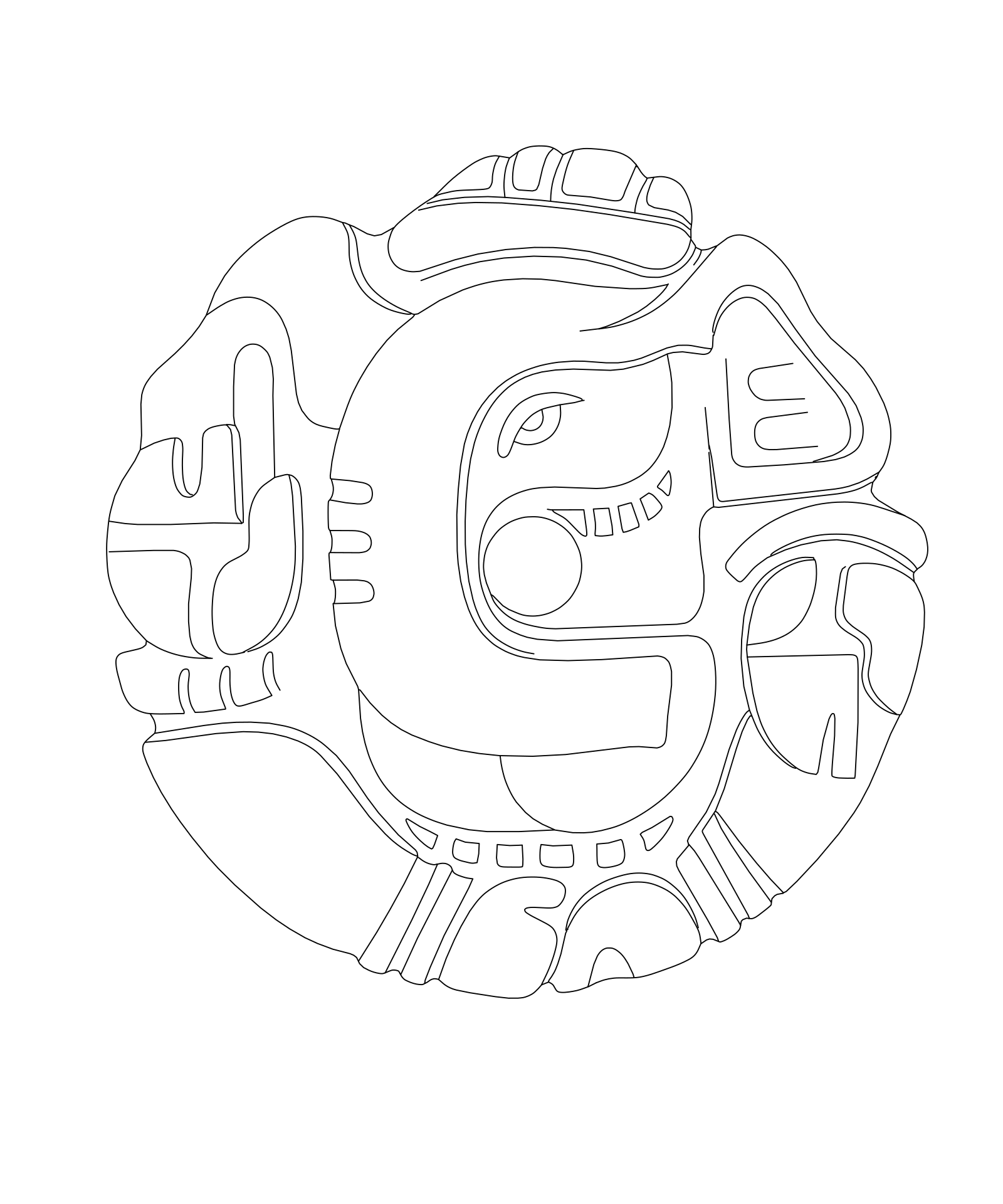
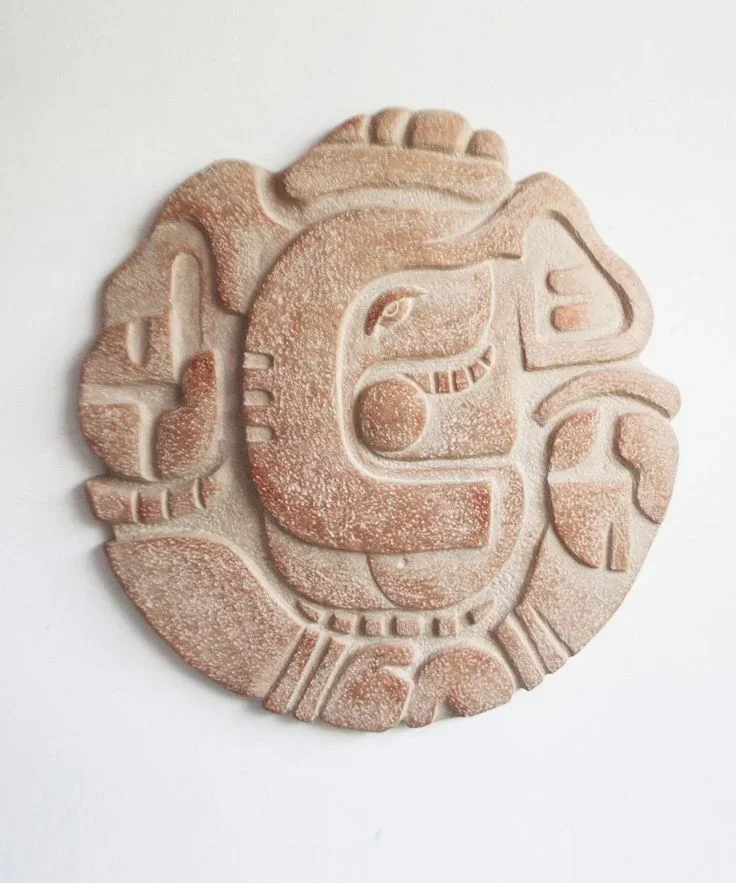
Carved plaque, photographed on a wall
Drawing type: Line drawing
The redraw keeps the carved edges and leaves out the stone texture and the shadow, so every shape closes and can go straight to a laser.
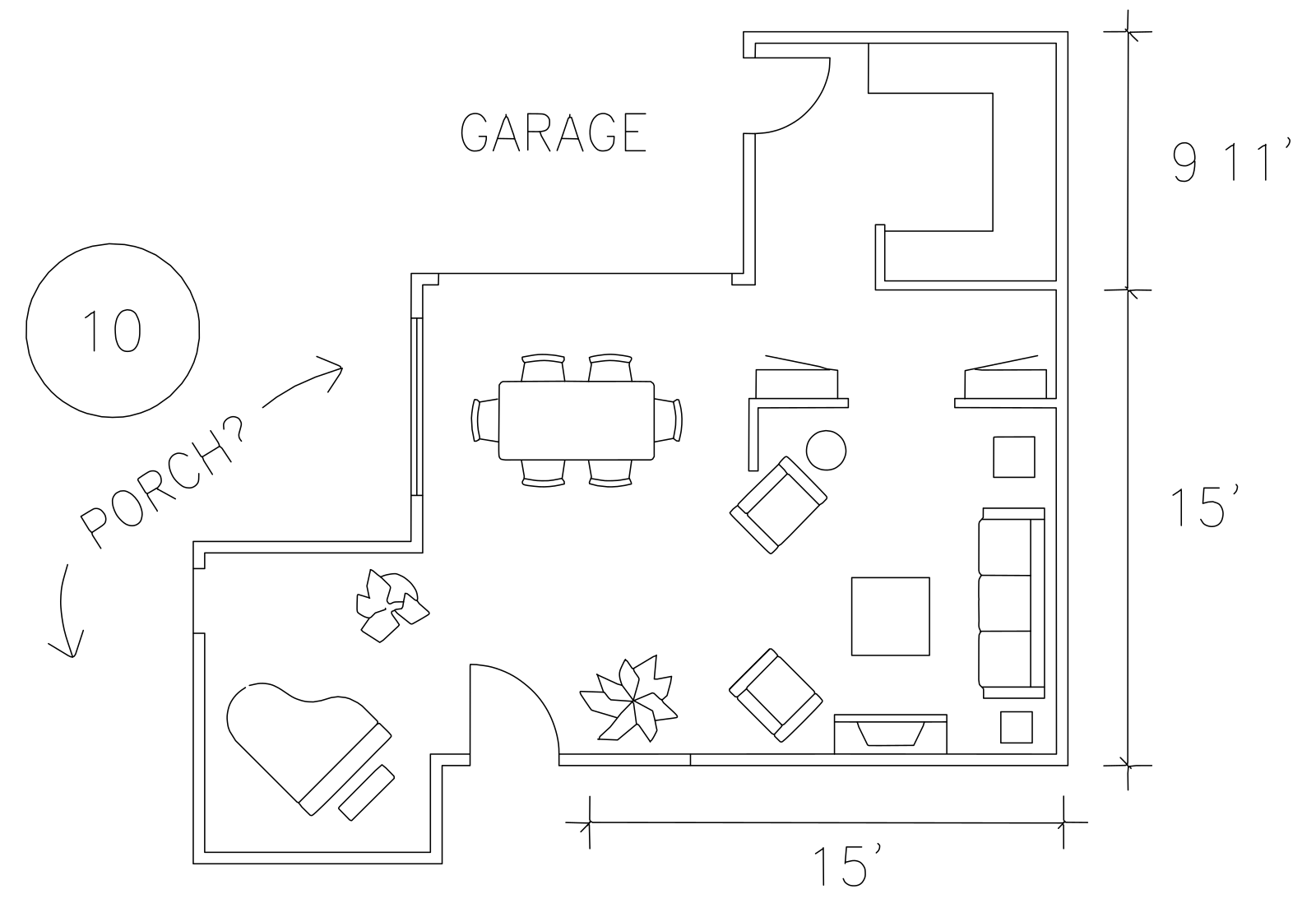
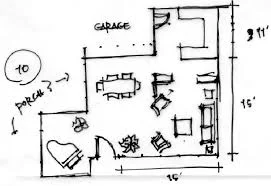
Pencil floor plan on paper
Drawing type: Floor plan
Wobbly hand-drawn walls come back straight, and doors, furniture and the stair stay as separate shapes you can move or delete in CAD.
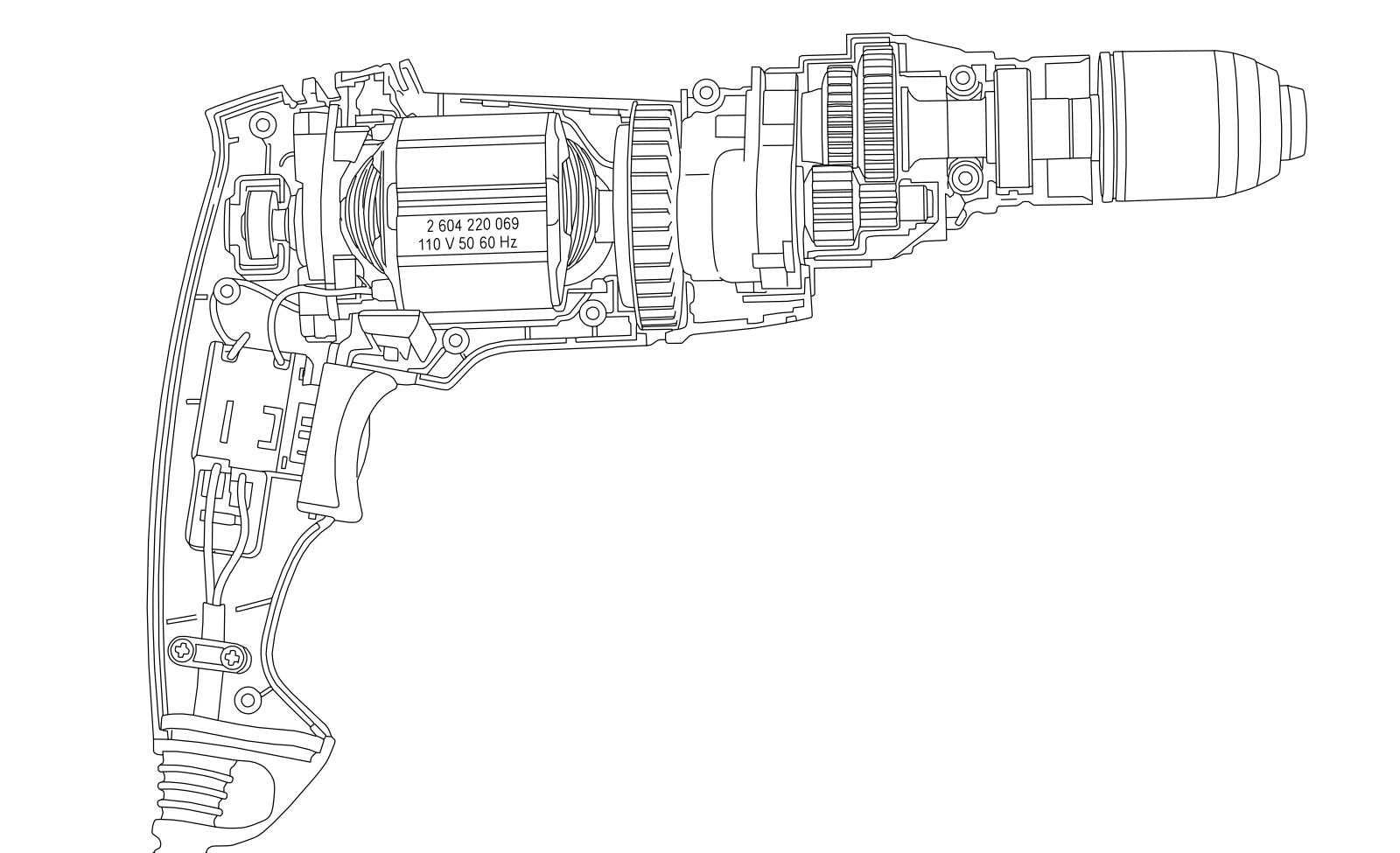
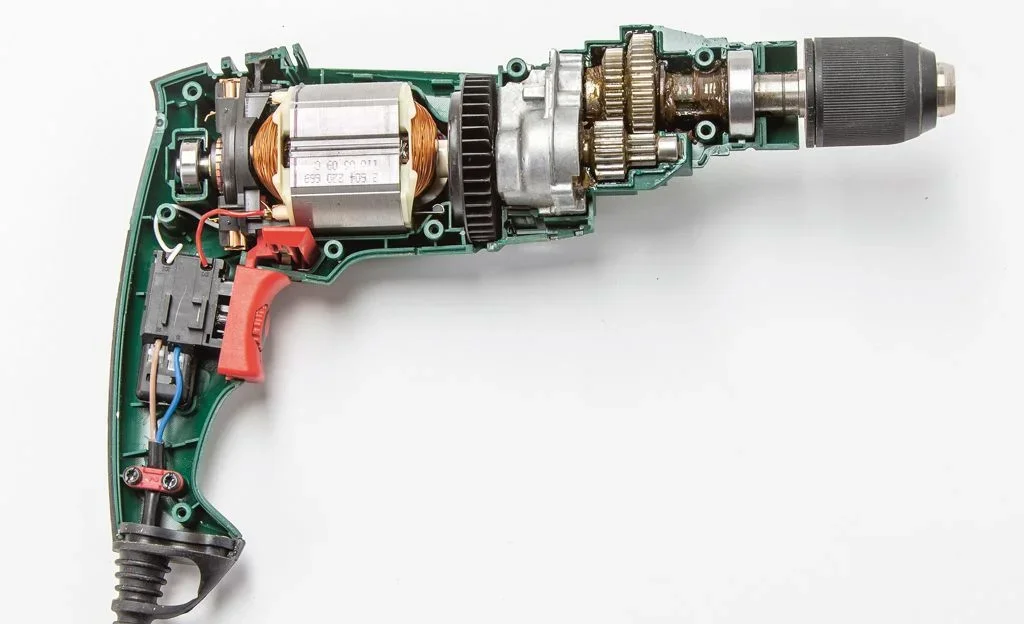
Cutaway photo of a power drill
Drawing type: Mechanical part
Gears, motor and housing become separate outlines: a good base for a service diagram, or for picking out one part to model in CAD.
Sample images for illustration. Your image to DXF results depend on the photo you upload.
How it works
Convert Image to DXF in 3 Steps
You can convert image to DXF without touching a threshold or despeckle setting. The AI does the cleanup; you choose the kind of drawing and how big it should be.
Step 1
Upload your image
Drop in a JPG, PNG, WebP or iPhone HEIC image up to 25 MB, with the object or drawing filling the frame. A sharper image gives sharper lines.
Step 2
Pick a drawing type
Line drawing suits objects and templates, Sketch to CAD suits pencil drawings, and Mechanical part, Floor plan and Building elevation cover those subjects. The type tells the AI which edges in the image matter.
Step 3
Set the size and download the DXF
Enter the length of the longest edge in mm, cm or inches, choose Single lines or Outlines, and download. Changing the size or line style and downloading again costs nothing.
How to take a photo that converts well from image to DXF
Shoot straight-on
Hold the phone parallel to the part or the paper. A slight tilt usually gets flattened, but strong perspective stays in the drawing and throws off the scale.
Use soft, even light
Daylight from a window or two lamps beats a flash. A hard shadow in the image can be read as a second edge.
Use a plain background
Put a dark part on white paper or a light part on a dark mat, and clear tools and labels out of the shot, so the AI sees a clear outline.
Measure one length
Measure the longest side of the real object with a ruler or calipers. You type that number in step 3, so the DXF comes out at true size.
Sketches and paper drawings
Dark pen or pencil on white paper works best. Rub out guide lines you don't want in the DXF, and photograph the sheet flat, not curled.
Logos, screenshots and transparent images
Flat graphics behave differently from camera photos.
Use the PNG to DXF converter, which covers transparent backgrounds, line art and screenshots.
JPG files
JPG to DXF Converter for Phone Photos and Scans
Most images that end up in CAD are JPGs: phone photos, copier scans, pictures saved from email. JPG is lossy, and a plain tracer turns its flaws into bad geometry. Here is how they are handled when you convert JPG to DXF with AI.
Compression blocks and halos
JPG stores an image in 8×8 pixel blocks and leaves faint halos around sharp edges. A tracer follows those artifacts; the AI redraws the edge you meant, so JPG to DXF gives smooth lines, not stepped ones.
Grey paper and uneven light
A scan rarely has pure white paper. Shading, fold lines and coffee stains change the tone across the page; the redraw ignores them instead of turning them into blobs in your DXF.
Big camera files
A 12-megapixel JPG image is scaled to 2048 px on the long edge in your browser before upload. That is plenty for a part or a sheet of paper, and the upload stays fast.
Location data removed
Phone JPGs often carry GPS coordinates. Your browser re-encodes the image before upload, which strips that EXIF data, so it never reaches our server.
AI redraw vs. auto-trace
Why AI Redrawing Beats Auto-Tracing for Photos
A classic image to DXF converter traces pixels, so any edge with enough contrast becomes a line, even a shadow. FigCAD redraws the image as a clean line drawing first, then traces that drawing into vectors.
The AI can simplify very small details or guess at an edge hidden in shadow, so check critical dimensions before you cut or machine anything.
After the download
Where Your DXF Goes Next: AutoCAD, Laser and CNC
Every image to DXF conversion gives you a plain DXF that almost every CAD and CAM program can read. Here is where people take it next.
CAD
AutoCAD, LibreCAD, Fusion, SOLIDWORKS
Open the file and it lands at the size you set. Add dimensions, offset the outline, or use it as a sketch profile to extrude in your CAD program.
Need a native AutoCAD file? Try the image to DWG converter.
Laser
Laser cutters and engravers
Choose Outlines and import the DXF into LightBurn or your laser software. Closed shapes are what tell the cutter which parts to cut out and which to keep.
Check the paths first in the free DXF viewer, right in your browser.
CNC
CNC routers and plasma tables
Use the polylines as profiles in VCarve, Fusion CAM or SheetCAM. Turn smoothing up for long, even curves that the machine can follow without stuttering.
Already have a vector file? Convert SVG to DXF for free.
Need SVG, PDF or another kind of drawing? Every format starts from our image to CAD converter.
Image to DXF Converter FAQ
Short answers about files, scale, cost and compatibility before you convert image to DXF.
Turn Your Next Photo into a DXF
Snap the part, template or sketch on your desk, upload the image, and let the image to DXF converter give you a clean DXF at the size you need.
Credits come back automatically if an image to DXF conversion fails.